Facetracker with VTube Studio
Facetracker can be used with VTubeStudio. The setup for this is rather simple.
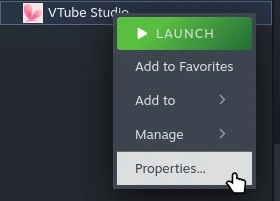
Inside Steam right-click VTube Studio and chose Properties
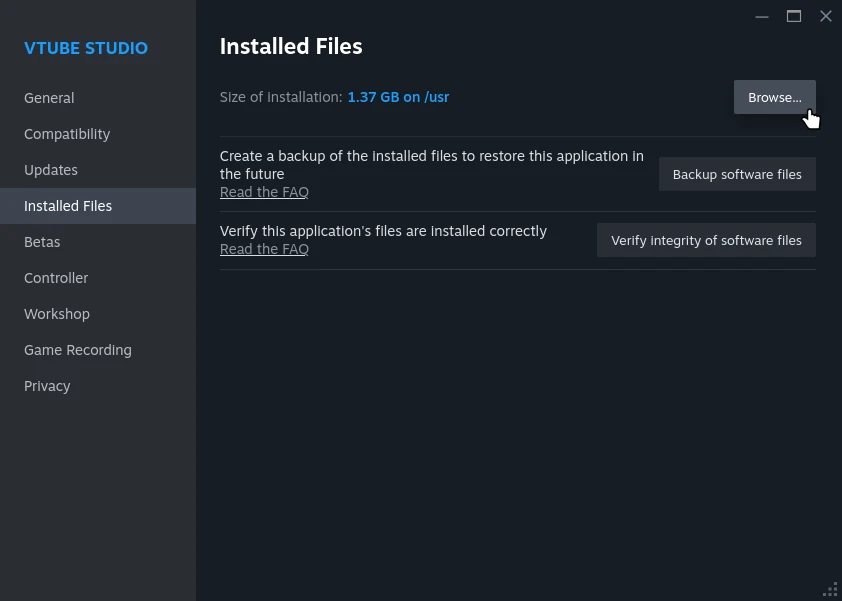
Navigate to Installed Files and click on Browse....
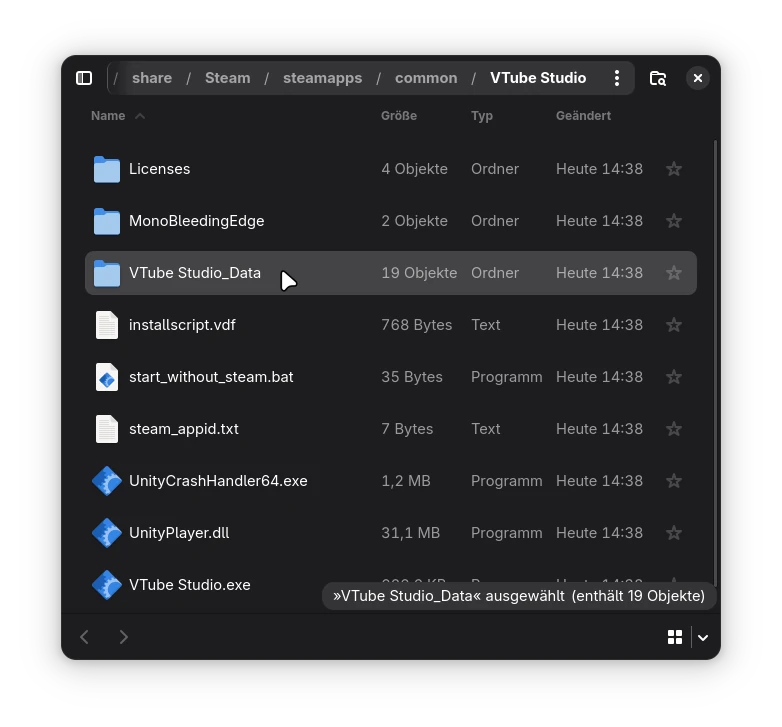
This will open up your file browser at the install location of VTube Studio.
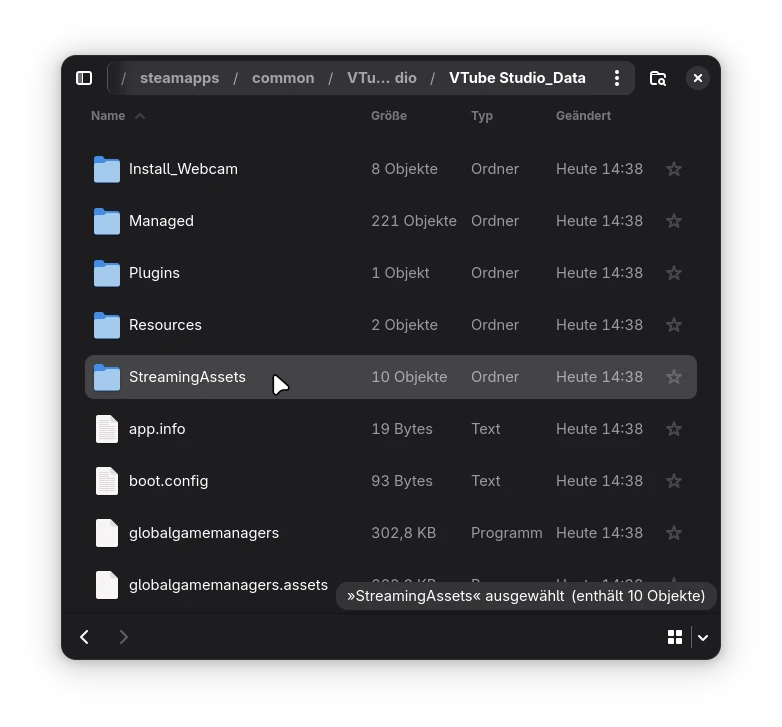
In here navigate to VTube Studio_Data/StreamingAssest/ and create a new file called ip.txt.
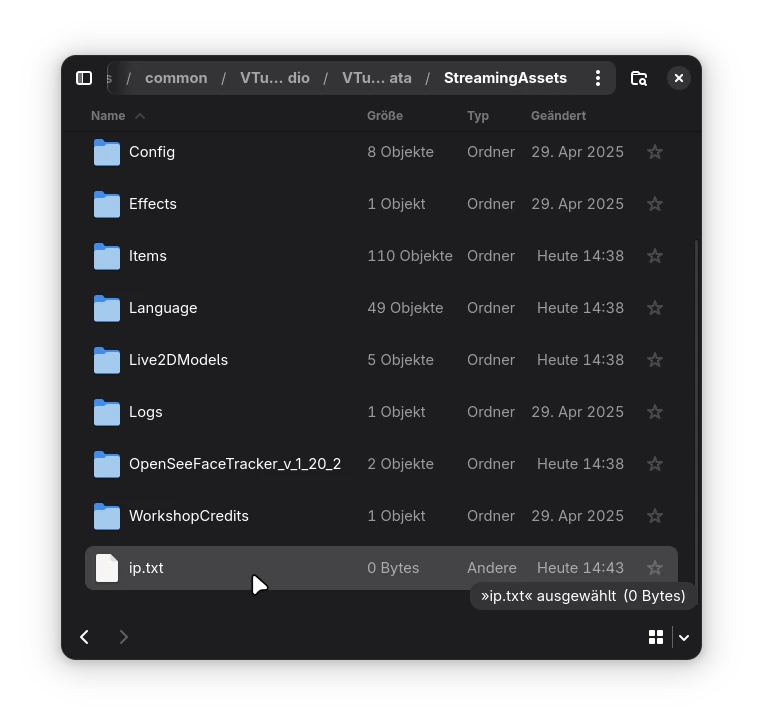
Open that file and enter:
ip=0.0.0.0
port=11573
Make sure port matches Facetracker's port.
After restarting VTube Studio and running Facetracker the tracking data should get picked up right away.